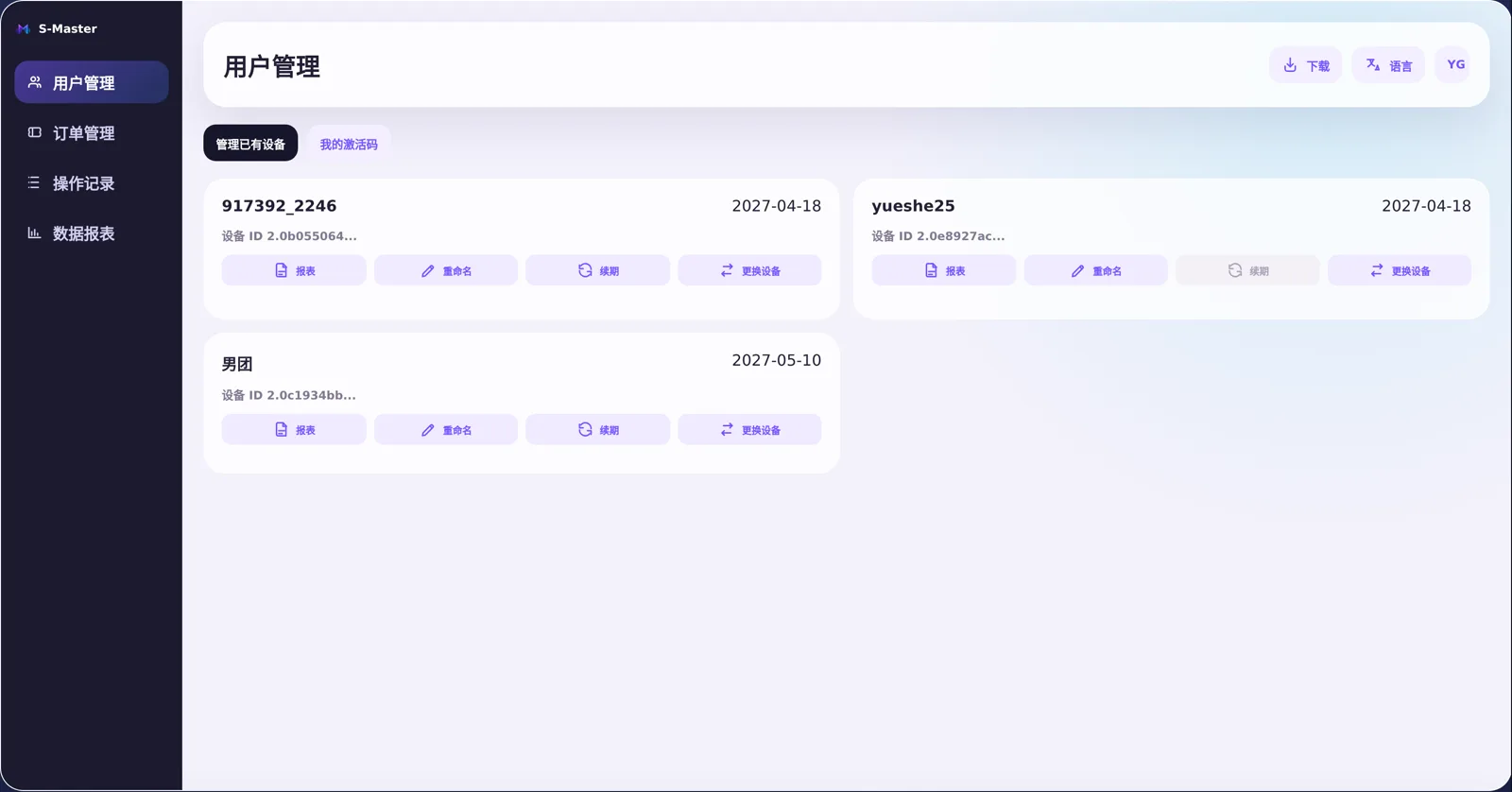
TikTok team-live control system

Capture, PK scoring and OBS widgets, merged into one console

Device licensing, live capture, mode setup, real-time widgets, back-office reports — your team no longer switches between five tools. Every variable of a live session fits on one screen.
Windows 10+ TikTok LIVE Studio / OBS Stable connection Discrete GPU recommended
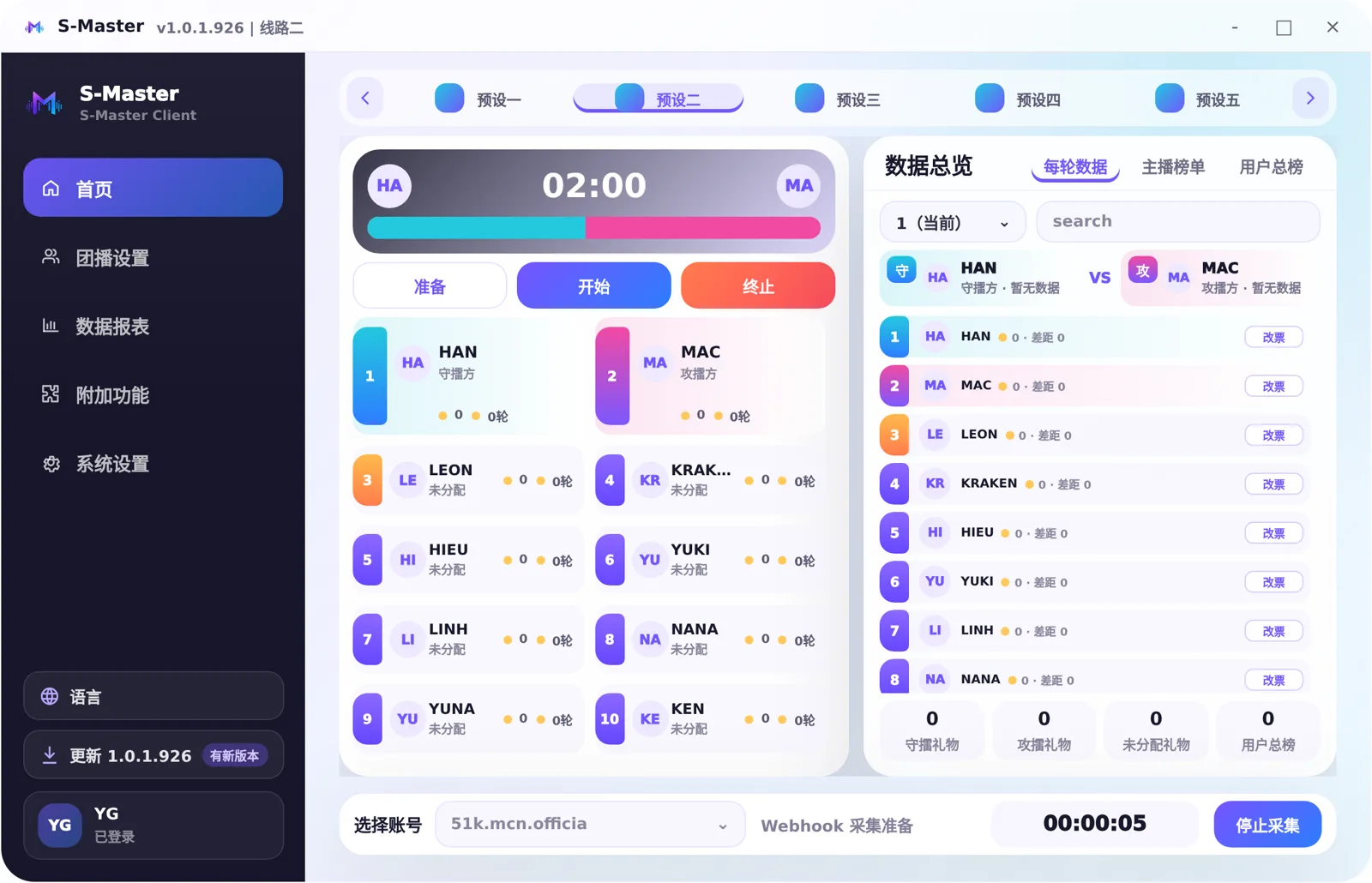
Live PK score
1240:1187
Defender / challenger groups, gift conversion refreshed in real time
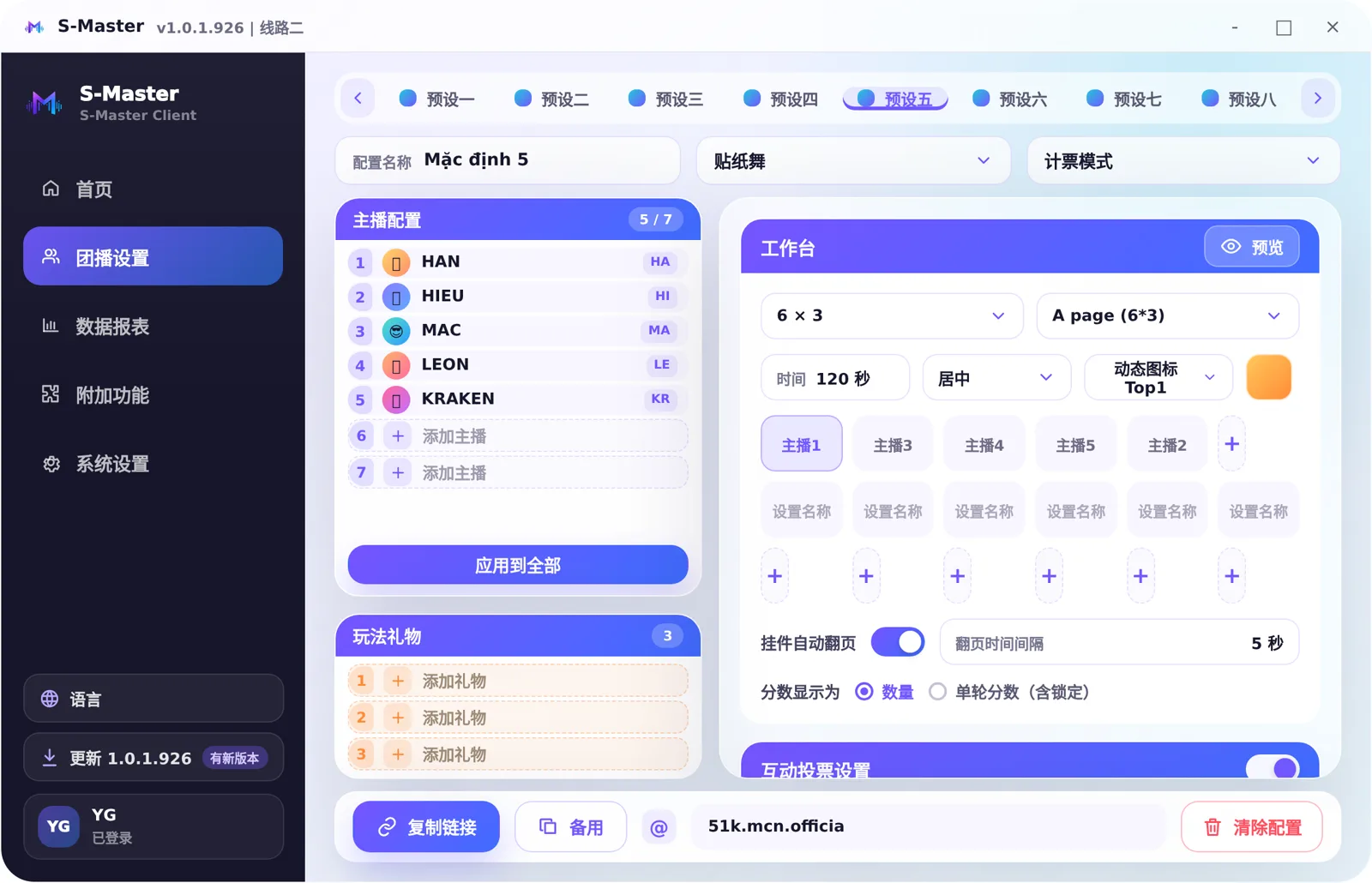
8mode presets saved separately
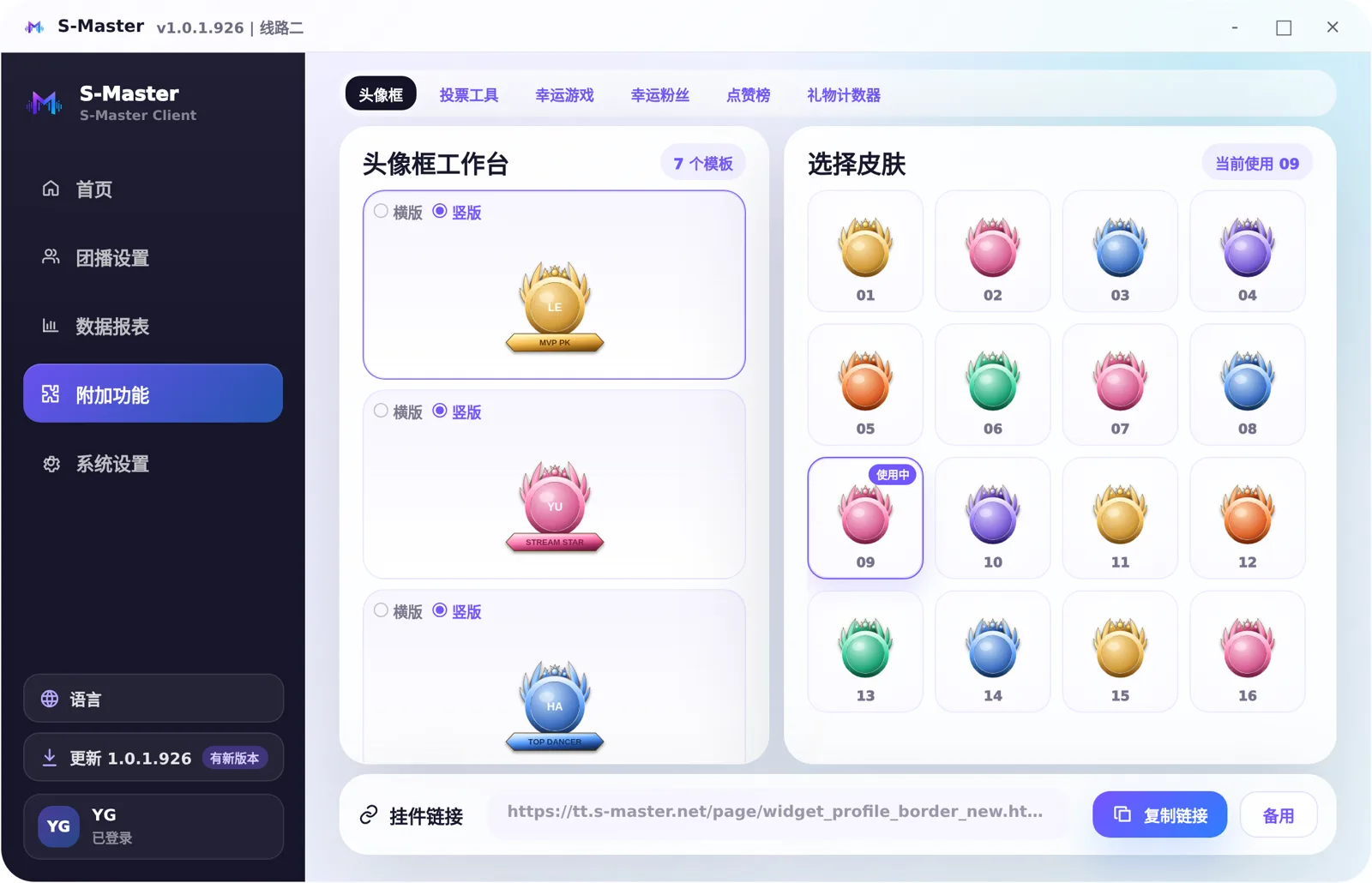
6add-on OBS widgets
2capture lines: Hook + Webhook
xlsxper-session report export
How it runs

Follow one live session, from going on air to signing off

All five stages happen inside the same system — no exporting data midway, no switching tools.
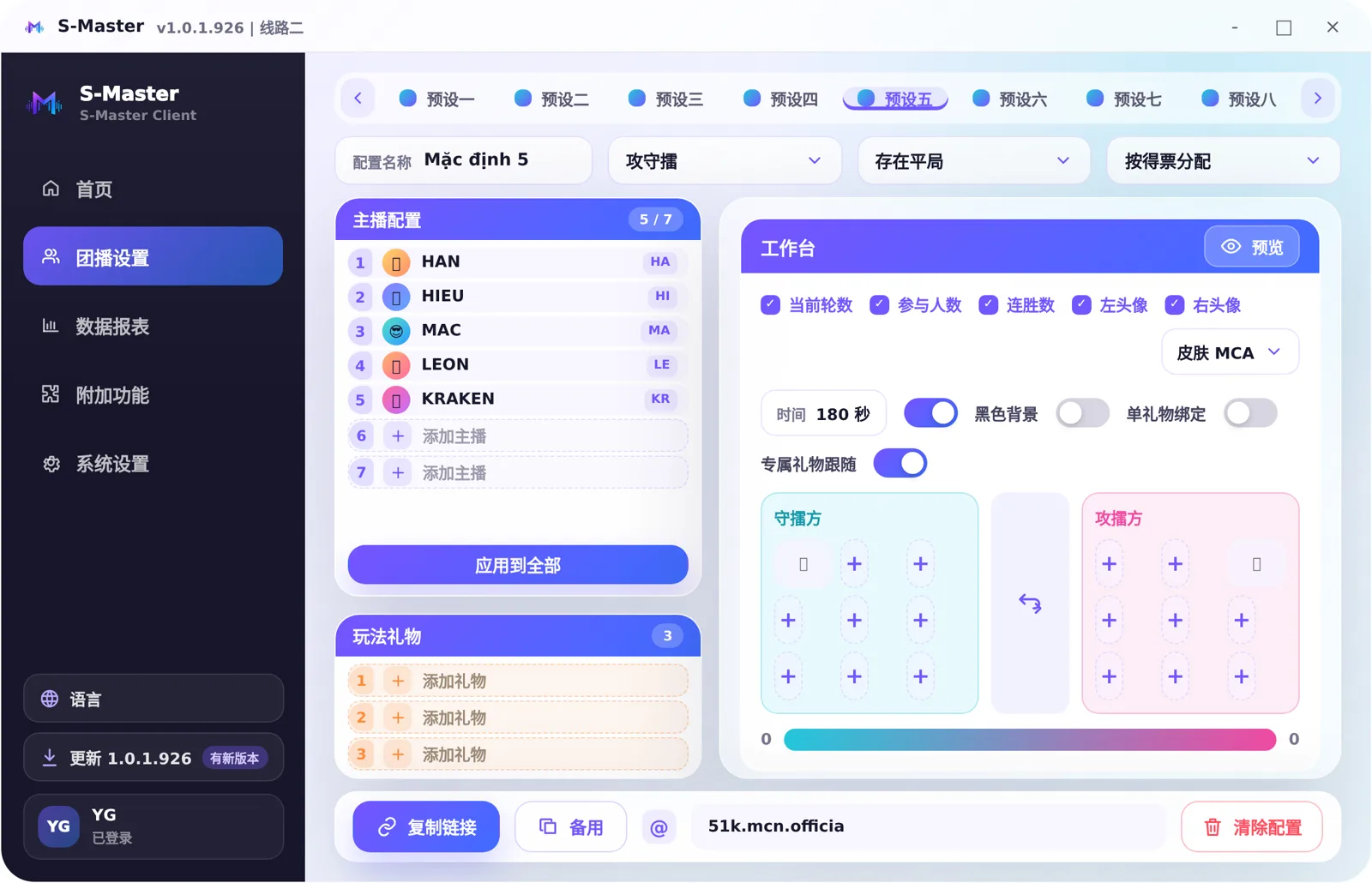
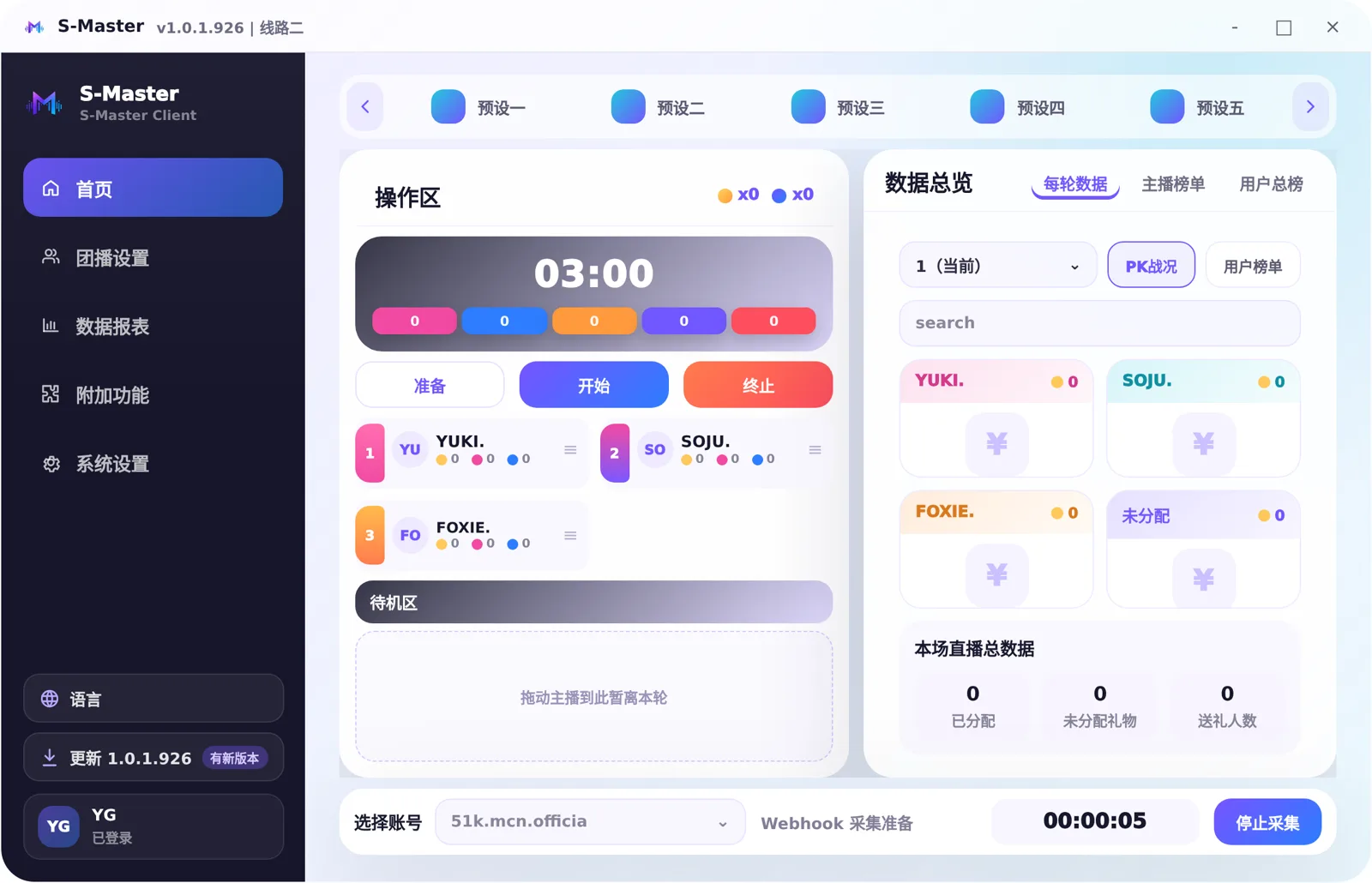
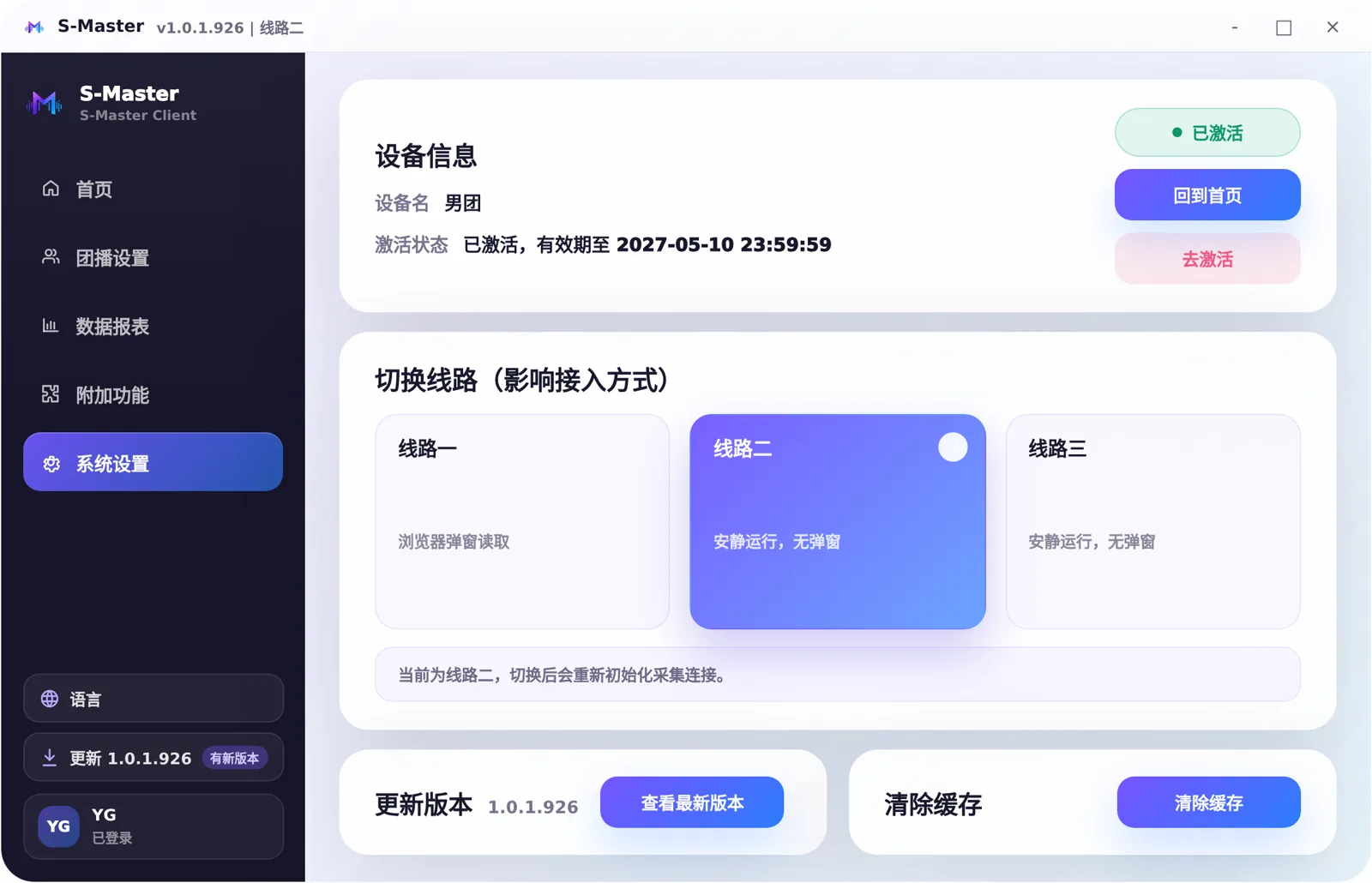
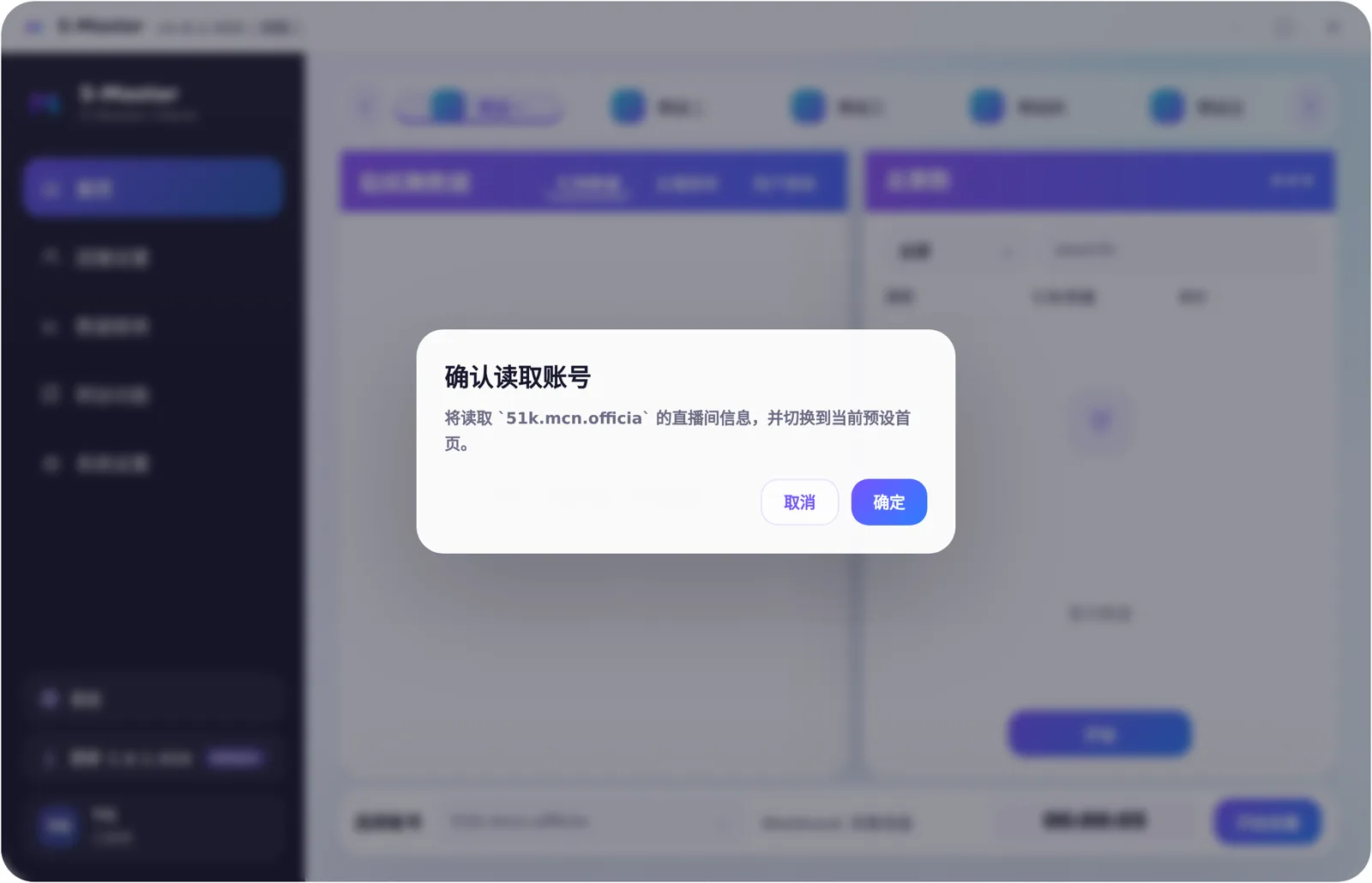
Configuring the mode before going live Choosing an account to connect capture Live console during a PK OBS widgets refreshing in real time Exporting the report after sign-off
Live Modes

Covers the mainstream team-live modes — configure once, reuse across sessions

From sticker dance to multi-host PK: pick the mode, the rules and the vote split, and widgets follow the captured data in real time.

High-frequency rotation

Sticker dance

Gift data, host rankings and viewer rankings counted together — suited to fast-rotating formats.

Solo format

Queen preset

Solo countdown, per-round data and an overall viewer ranking, tuned for the queen format.

Red vs blue

1v1 PK

Tug-of-war score, defender-challenger groups, unassigned gifts and session totals on one screen.

Free combination

Free mode

Mix comments, likes, gifts and goal progress freely — fits guild tournaments and custom formats.

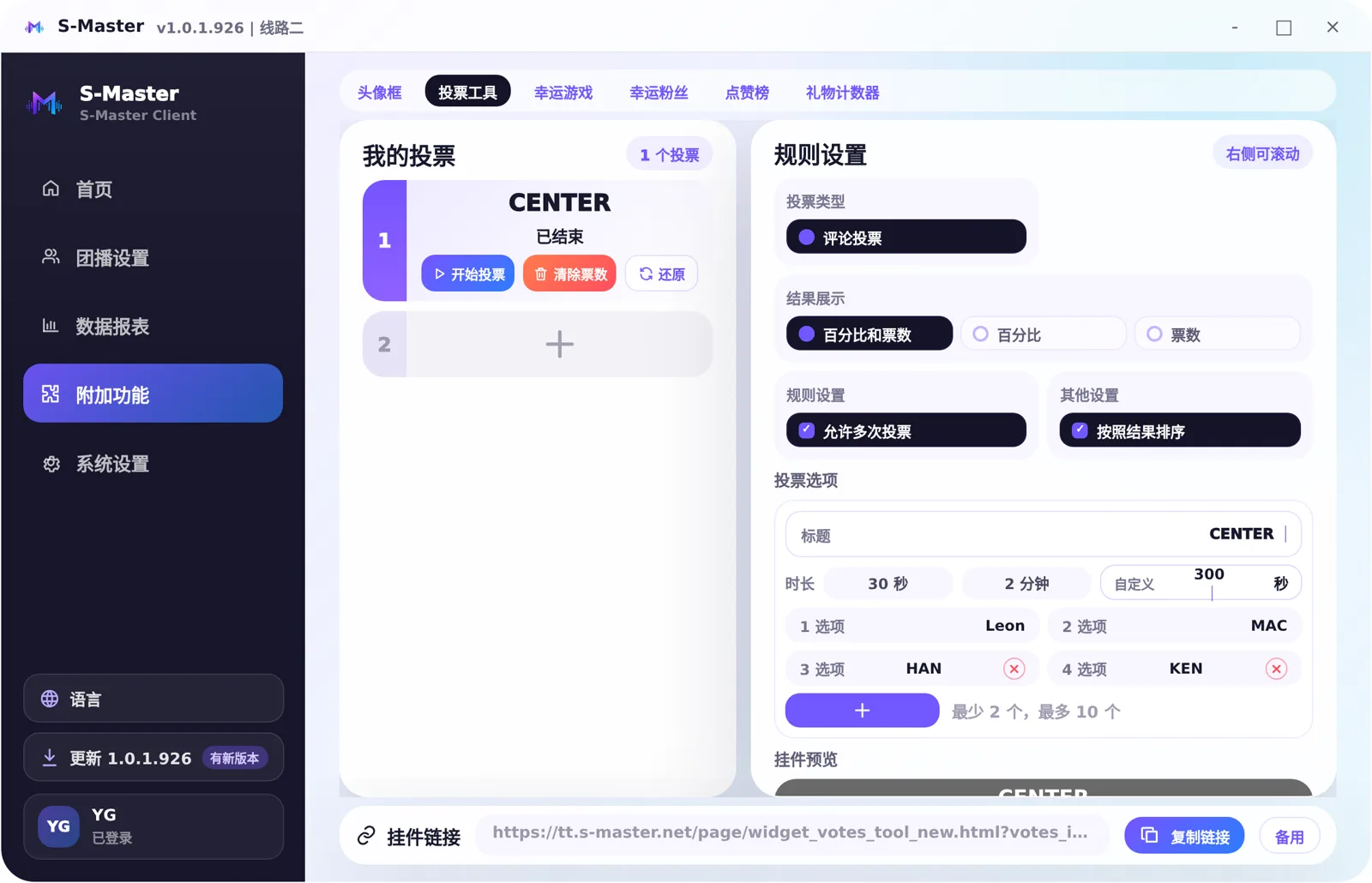
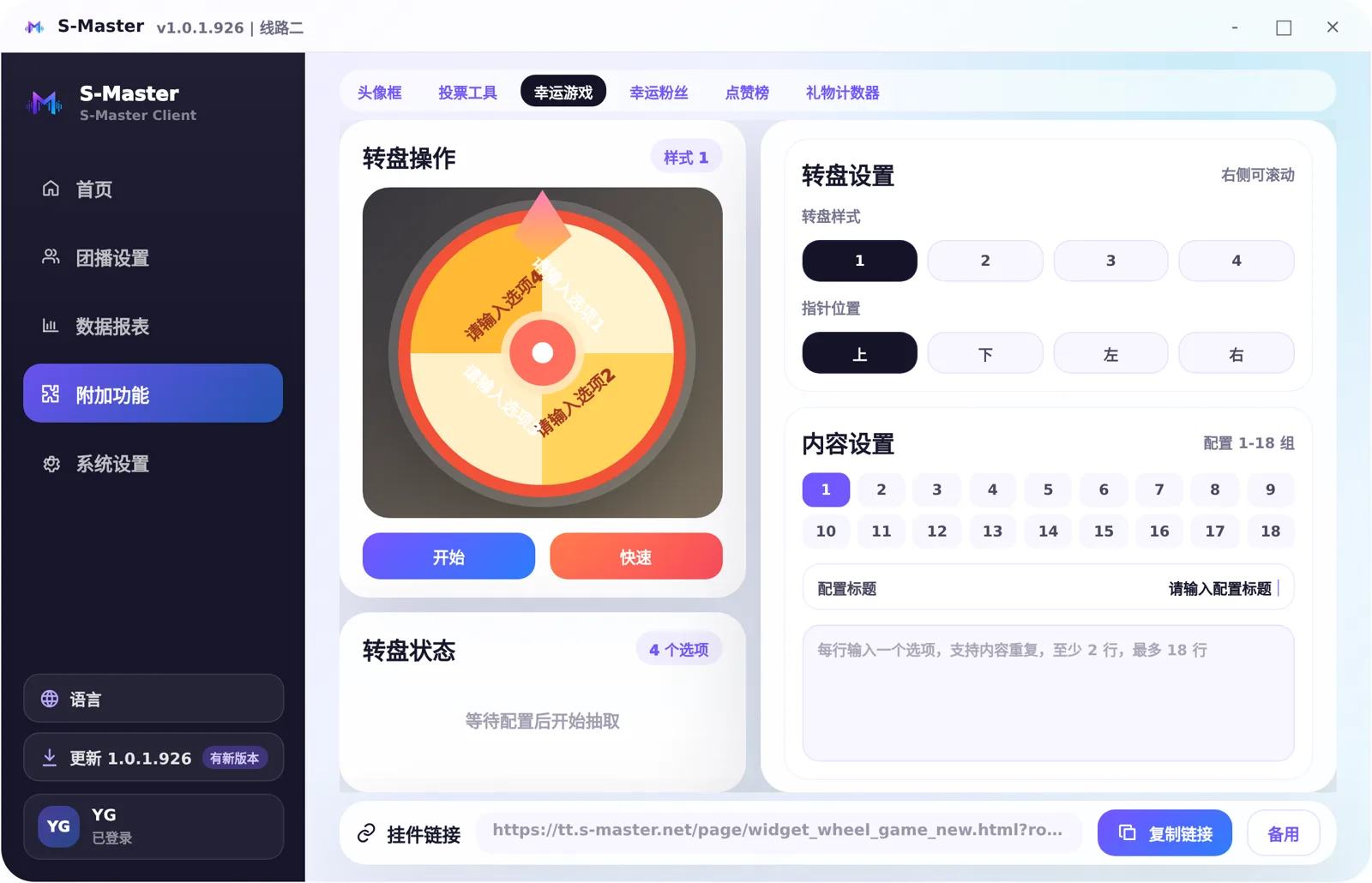
OBS Widgets

A widget is not just a link — it is the live room's real-time visual layer

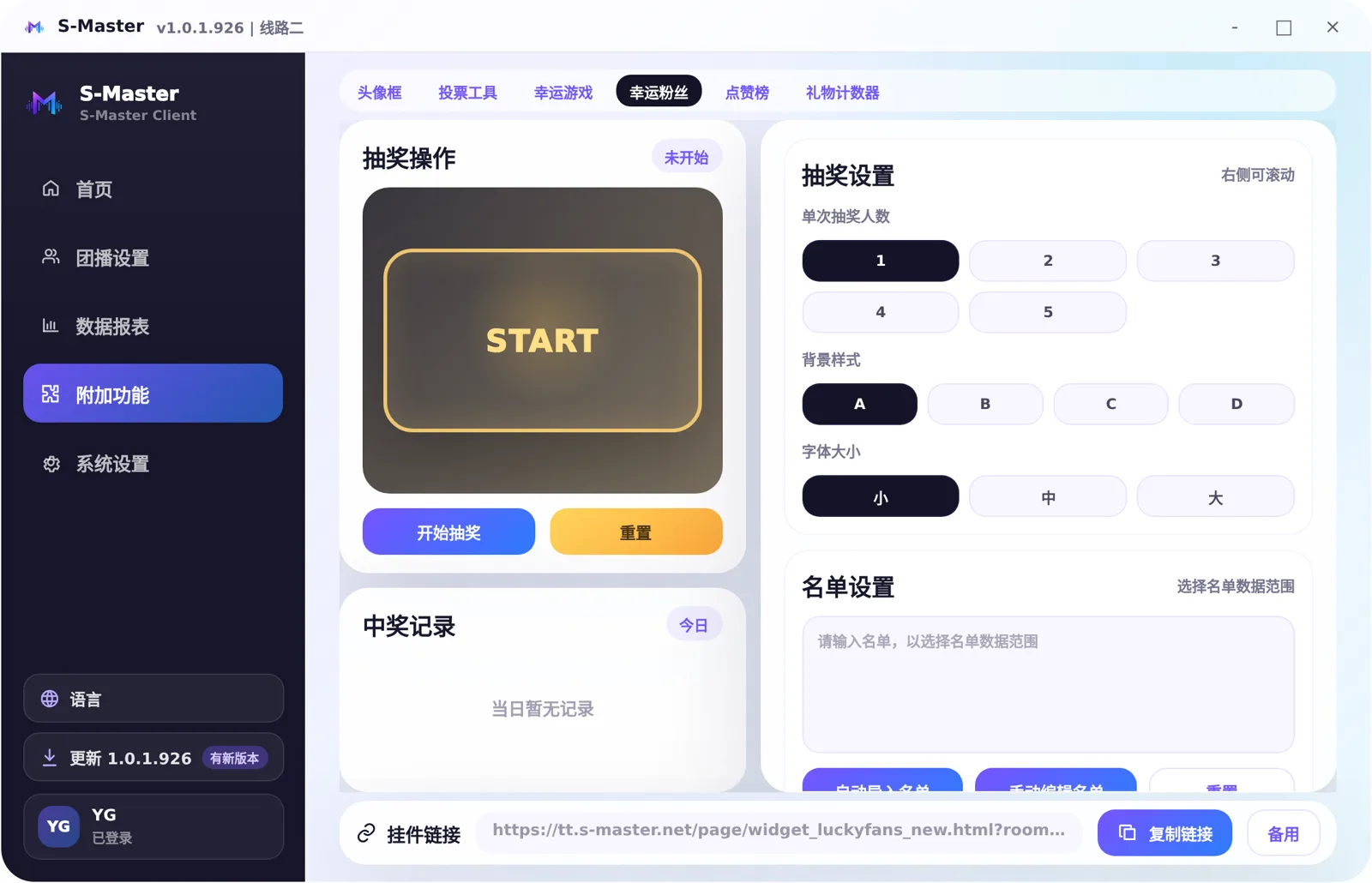
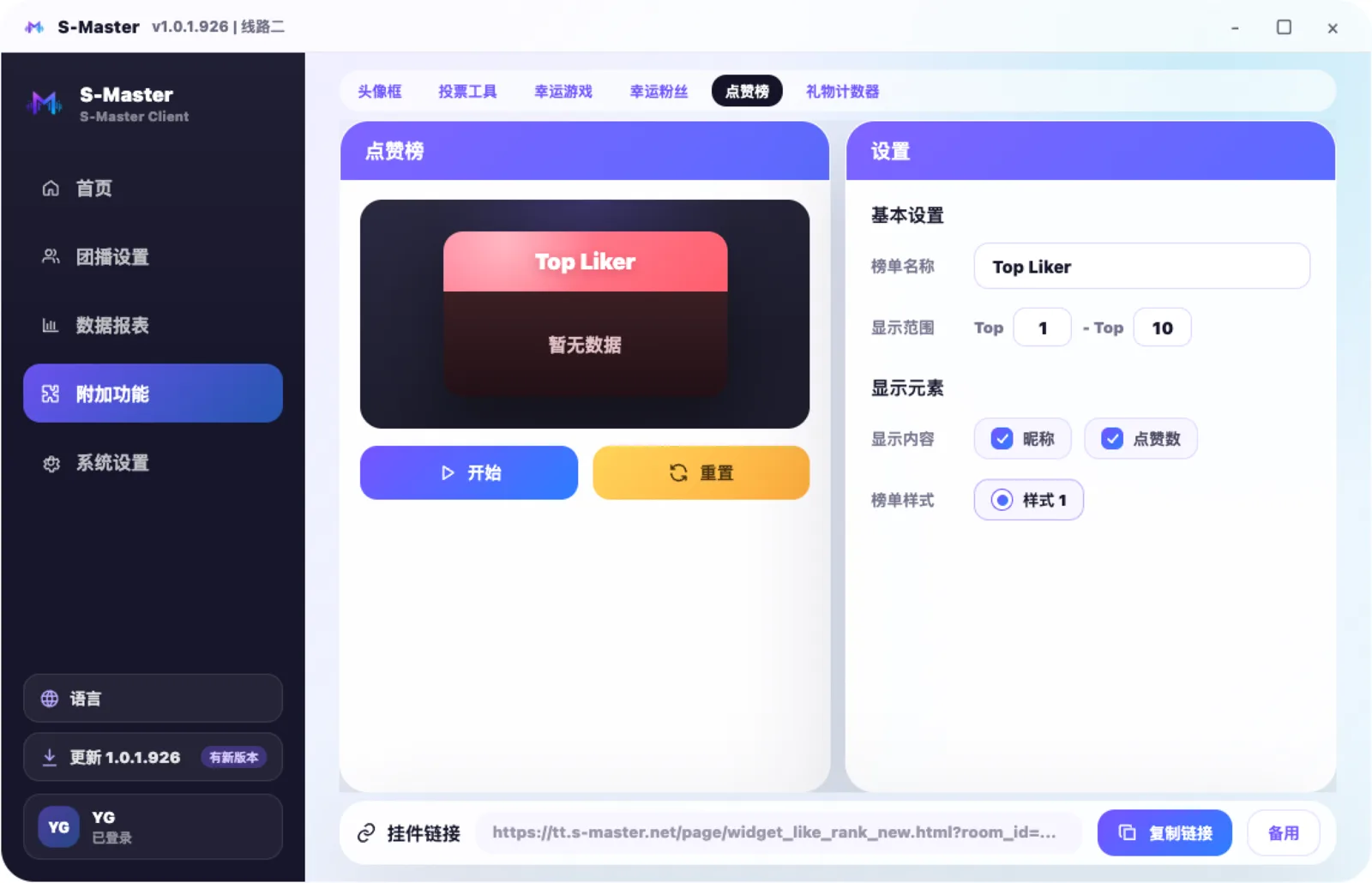
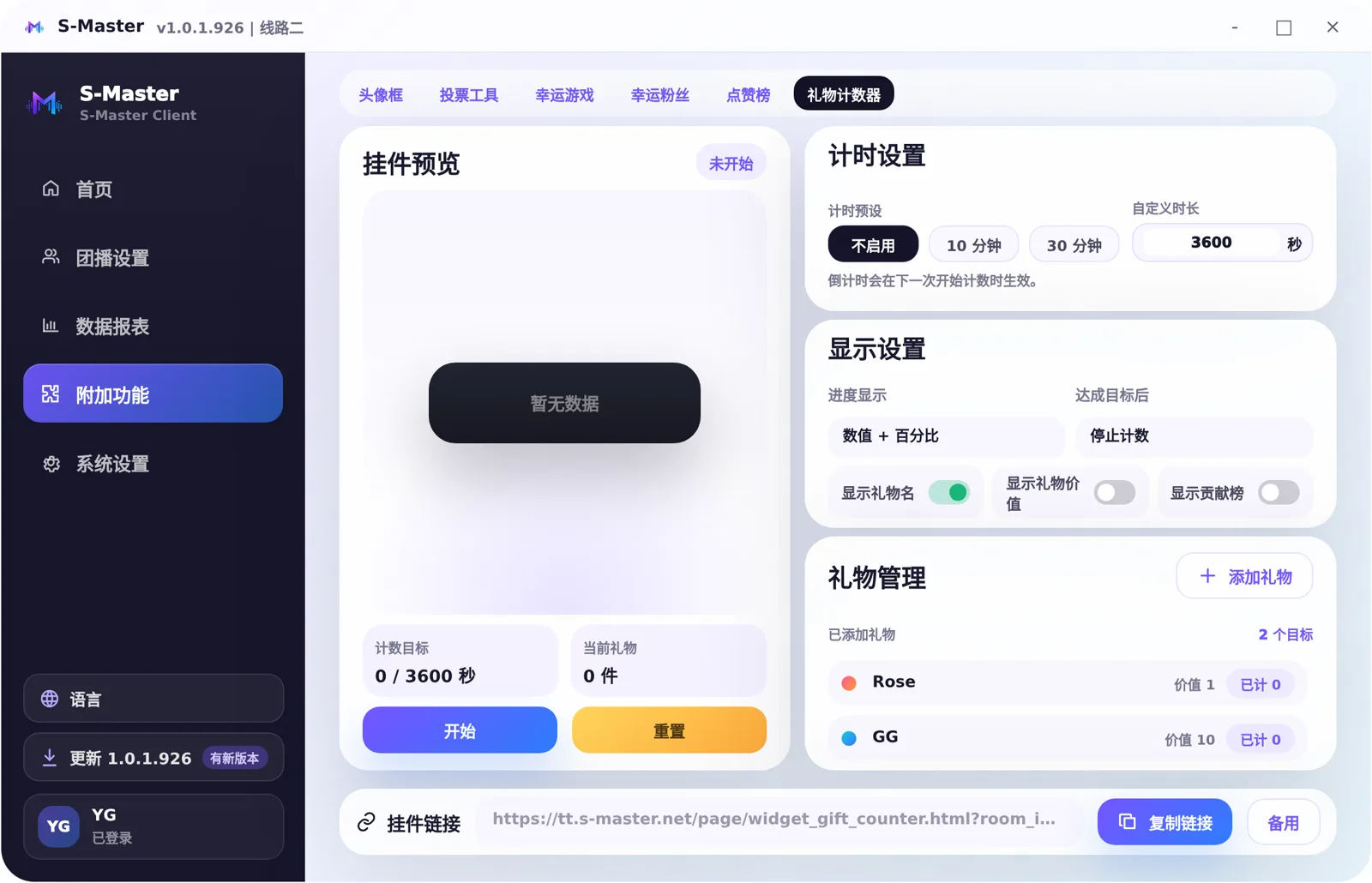
Primary link, backup link, ranking widgets and viewer rankings are managed separately, ready for OBS scene switching.
Backstage

One back office for devices, licence keys, orders and reports

Device licensing, renewal and replacement, isolated per account
Licence keys and order status managed by group
Full operation log for purchases, renewals and device swaps
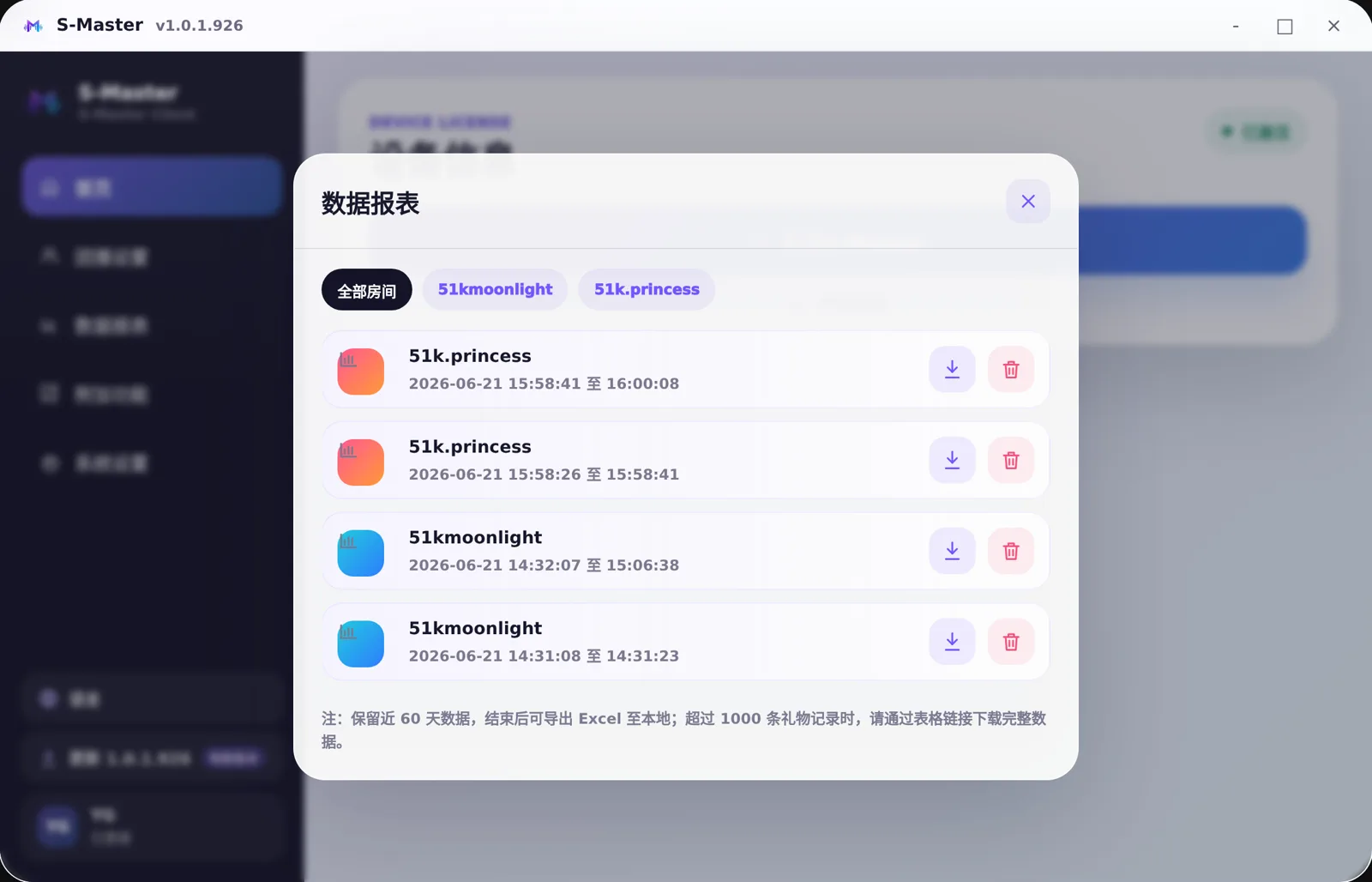
Per-session data reports with filtering, sharing and export
S-Master back office · account management

Check capture, modes and widgets in one pass before you go live

New device licences, renewals, back-office reports and live-room setup all start from the same system.

Claim free access